
Running a small business comes with freedom—set your schedule, pick your clients, work from anywhere. The hard part? Staying organized without drowning in apps and subscriptions. Good news: simple beats complicated every time.
For the price of a professional business email address, Google Workspace delivers a fully integrated ecosystem of professional apps. One login. One home base. Keep files, finances, communication, and scheduling in one place so you can focus on the work that pays.
More isn't always better. The win is a sleek, streamlined setup you'll actually use—where bookkeeping is just another easy habit instead of a headache.
Why Small-Business Finances Feel Messy—and How to Simplify
Traditional employees get a W-2 at the end of the year: neat, tidy, done. As a small business owner, you're juggling multiple income sources, irregular payment schedules, and a stack of business expenses to track. One client pays via PayPal, another by bank transfer, then a card payment lands the following week.
On top of that, you're setting aside taxes, tracking deductions, and documenting income for loans or leases. It sounds like a lot—but with a simple, Google Workspace–based system, tracking income and expenses becomes as routine as checking your email.

Start With the Fundamentals: Your Financial Foundation
Before you add more tools, pick your home base: Google Workspace. Set up your business email and create a dedicated Drive folder for your company. Think of this as building the foundation of a house—get this right, and everything else becomes easier.
Separate Your Business and Personal Money
This is rule number one, no exceptions. Open a dedicated business bank account and use it exclusively for business income and expenses. This simple step instantly simplifies your business expense tracker system and makes tax time far less stressful. When everything business-related flows through one account, you can see your true profit and loss at a glance.
Choose Your Accounting Method
You'll need to pick between cash accounting (record income when you receive it) or accrual accounting (record it when you earn it, even if payment hasn't arrived). Most small businesses start with cash accounting because it's simpler and matches your actual cash flow.
Set Up Your Expense Categories
Create consistent categories for your business expenses: office supplies, software subscriptions, marketing, travel, meals, professional development. Keep them inside your Drive-based system (Sheet + receipts folder), and be consistent—always categorize the same types of expenses the same way.
Make Google Workspace Your Business HQ
For the cost of a business email, you unlock your all-in-one digital command center, meaning fewer subscriptions, less overwhelm, and a simple setup that scales with you.
- Drive organizes every file, receipt, contract, and brand asset
- Calendar keeps your finance routines (and renewals) on autopilot
- Docs and Sheets handle planning, tracking, proposals, and reports
- Meet, Chat, and Spaces make it easy to collaborate with clients and, later, a team
- Gemini helps you draft, summarize, and find what you need fast
- Google Voice gives you a clean, professional line without extra apps
Keep everything in one place now so it's painless to share resources later, add a bookkeeper, or bring on a VA. More tools aren't better—streamlined is better.
Why Google Sheets Works for Small Businesses
Sheets feels familiar, is easy to customize as you grow, and doesn't lock you into monthly fees. It also plays nicely with the rest of Google Workspace. You can import bank statements, store receipts in Drive, and share reports with your accountant.
Organize Your Receipts Without the Shoe Box
Ditch the clutter. Google Drive is a simple, powerful home for receipts and docs that pairs perfectly with your Sheets tracker.
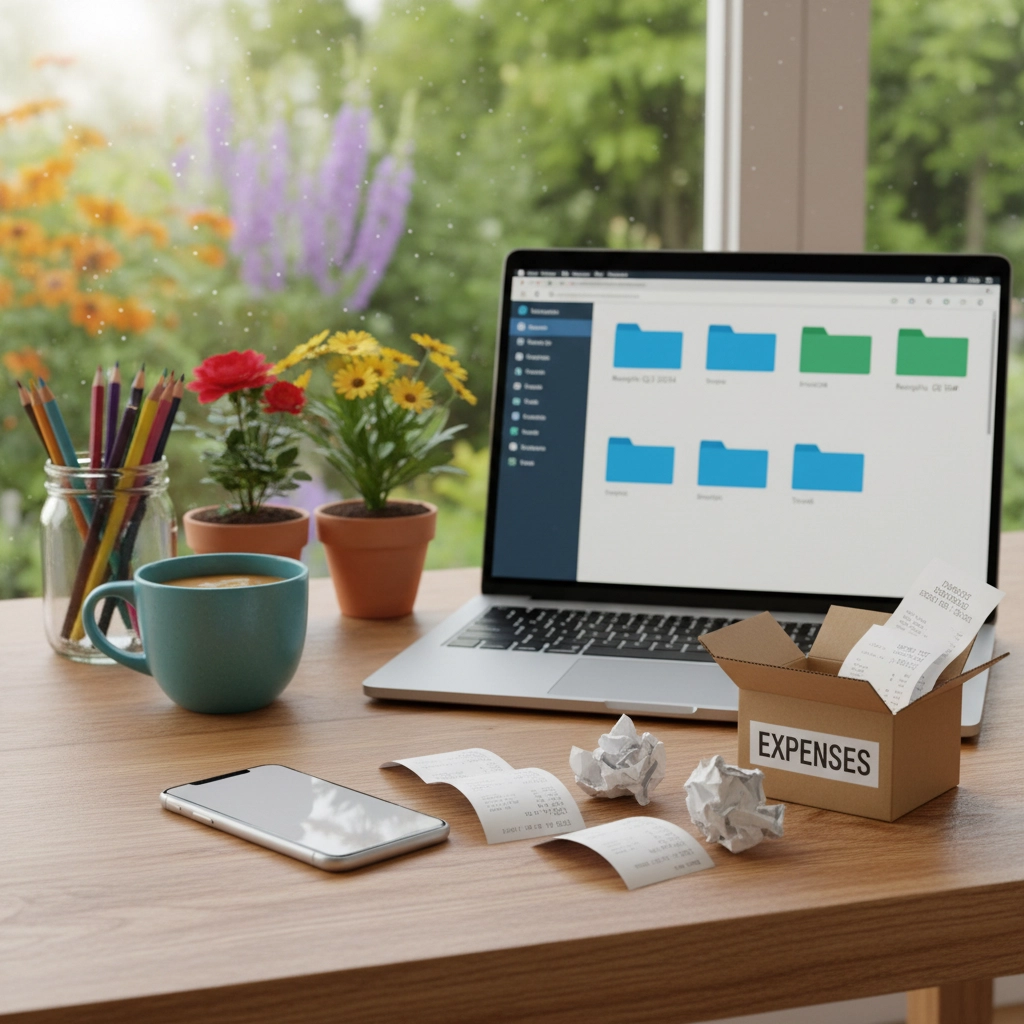
- Create a Drive folder: Business > Financials > Receipts > 2025 > 10
- Snap a photo, upload, and name files like "2025-10-15_Office-Supplies_$47.82"
- Keep vendor statements and invoices in the same Financials folder
- Use Drive's search (it reads text in images) to find vendors and amounts fast
Streamline subscriptions too. Keep a "Subscriptions" folder and a simple Sheet with renewal dates, costs, and owners. Fewer tools, fewer surprises.
When you're ready to collaborate—sharing with an accountant, a VA, or a new team member—just grant access to the right Drive folders. No hunting across apps.
When to Consider Upgrading Your Tools
Starting simple doesn't mean staying simple forever. As you grow, you might bring in more automation or reporting. Here are signs it's time to level up:
You're Spending Too Much Time on Books
If bookkeeping takes more than a few hours per month, consider software that connects to your bank and auto-categorizes transactions (Wave, FreshBooks, QuickBooks).
You Have Complex Income Streams
Multiple clients, retainers, project work, or product sales can outgrow a spreadsheet. Professional accounting tools handle complexity better.
You Need Professional Reports
Applying for loans, working with advisors, or needing a full set of financial statements? Dedicated software helps.
Even if you add accounting software, keep Google Workspace as your hub: Drive for documents, Calendar for finance routines, and Sheets for simple dashboards you share with your accountant.
Building Habits That Actually Stick
The most sophisticated system won't help if you don't use it. Keep it light and consistent:
The Friday Finance Hour
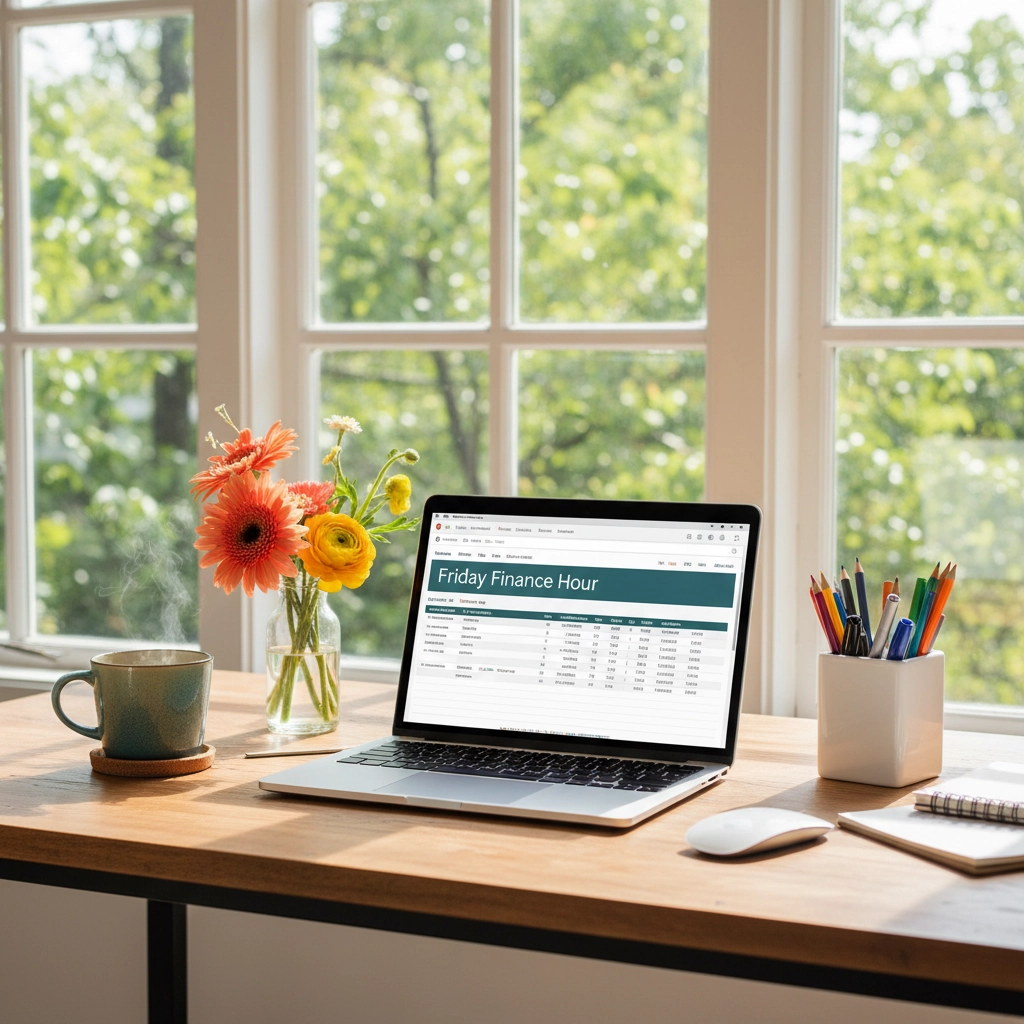
Put a recurring block in Google Calendar. Each Friday, review income, categorize expenses in Sheets, and file receipts to Drive. This weekly ritual avoids the month-end scramble.
Immediate Expense Logging
Log expenses the day they happen. If you can't open your tracker, star the email receipt in Gmail and drop the photo into your Receipts folder—then clear your stars on Friday.
Monthly Reviews
Spend 30 minutes each month reviewing your numbers. Spot patterns, celebrate wins, and adjust next month's targets. Keep a short summary in a Google Doc or use Gemini to help you draft it.
Automate What You Can
Even with simple tools, automation reduces stress and errors:
- Set automatic transfers to a tax savings account (often 25–30% of income)
- Use bank alerts for large transactions or low balances
- Create invoice templates and canned emails in Gmail
- Add recurring reminders in Google Calendar for renewals and filings
- Use Gmail filters to auto-label receipts and forward them to a Drive folder
- Pin your finance folders and Sheets in Drive for one-click access
- Ask Gemini to draft monthly summaries or pull quick insights from a Sheet
Know When to Get Professional Help
Sometimes the smartest simple bookkeeping solution is knowing when you need expert help. Consider virtual bookkeeping services when:
- Your quarterly tax payments are consistently wrong
- You're missing deductions because you don't know what qualifies
- Bookkeeping is taking time away from income-generating work
- You're making financial decisions without clear data
At BalanceWise Books, we specialize in bookkeeping for solopreneurs who want professional organization without the complexity. Our virtual bookkeeping services are designed specifically for freelancers and small business owners who've outgrown DIY solutions but aren't ready for enterprise-level complexity.
We can take over your monthly bookkeeping, provide quarterly reports, handle tax preparation coordination, and give you back those Friday afternoons for client work or personal time.
Your Next Steps
Pick your home base and keep it simple.
- Set up Google Workspace with your business email
- Create your Drive structure (Financials, Clients, Admin, Brand)
- Drop in a simple tracker
- Block your first Friday Finance Hour in Google Calendar
The BalanceWise Income & Expense Tracker is designed to work seamlessly inside Google Workspace—it's a great starting step for tracking your finances.
We may add an affiliate link for Google Workspace in the future, but here's the bottom line: Google Workspace is the ultimate workhorse for solopreneurs and small business owners getting started and building an organized, scalable foundation.
Remember, good bookkeeping for small businesses isn't about perfection. It's about consistency, clarity, and a system that supports your goals without getting in the way.
Ready to get organized? Contact us to set up a streamlined bookkeeping system that works with your business and keeps everything in one place.